- info@umbandcoding.com
- 201-942-0949
Getting credentialed with commercial payers is not one process repeated five times — it is five different processes that happen to share a name. One payer pulls your file from CAQH ProView and asks for nothing more than an attestation. Another runs its own portal, its own forms, and its own document checklist. A third tells you the panel is closed for your specialty in your county, and a fourth hands you a contract whose fee schedule deserves a second look before you sign. The providers who get on panels fastest are not the ones who file the most applications; they are the ones who understand how each panel actually works before they file. This guide covers the two application routes, what a closed panel really means, behavioral-health carve-outs, why timelines vary, and the contract points to check before signing. If your team would rather hand the whole project to specialists, that is what credentialing and enrollment services do — applications, follow-up, and tracking until each case is closed.
Every commercial credentialing application starts the same way — with your qualifications, license, malpractice coverage, work history, and education — but the route the information takes depends on the payer. Most commercial payers use one of two routes, and knowing which one a payer uses before you start saves you from filing the same information twice.
The first route is CAQH-pulled. CAQH ProView is the shared credentialing database most commercial payers use: you build one profile, attach your documents, attest that everything is accurate, and authorize each payer to pull it. When a payer works this way, your application is effectively your CAQH profile plus the payer’s own short supplemental form. The payer’s credentialing team verifies your license, education, malpractice history, and work history against primary sources, and because the data comes from a single profile, a correction in CAQH corrects every CAQH-pulled application at once. The catch is the 120-day attestation rule: if your CAQH profile lapses, payers cannot pull a current file, and applications stall or get returned. Our step-by-step guide to the CAQH credentialing process covers how to build and maintain the profile correctly.
The second route is the payer portal. Some payers — including several large national plans and many regional ones — run their own provider portals and require an application inside their system, even if you have a complete CAQH profile. The portal asks for the same information in its own format, with its own document uploads and status tracking. The portal application is the file of record, and a perfect CAQH profile does not substitute for it. Filing only through CAQH when a payer requires its portal is one of the most common reasons an application sits untouched: nobody is working on it, because as far as the payer is concerned, it was never filed.
| CAQH-pulled application | Payer-portal application | |
|---|---|---|
| Where you file | CAQH ProView profile, attested and authorized for that payer | The payer’s own provider portal, in its own format |
| Documents | Uploaded once to CAQH; shared across payers | Uploaded again per payer, even if identical |
| What the payer adds | A short supplemental or participation form | The full application, inside the portal |
| Status tracking | CAQH shows attestation status; payer confirms receipt separately | Portal dashboard, if the payer offers one |
| Most common stall | Expired attestation or missing payer authorization | Application filed in the wrong portal section or never submitted |
| Best first step | Attest, authorize the payer, then confirm receipt by phone | Confirm the portal route and the correct application type before filing |
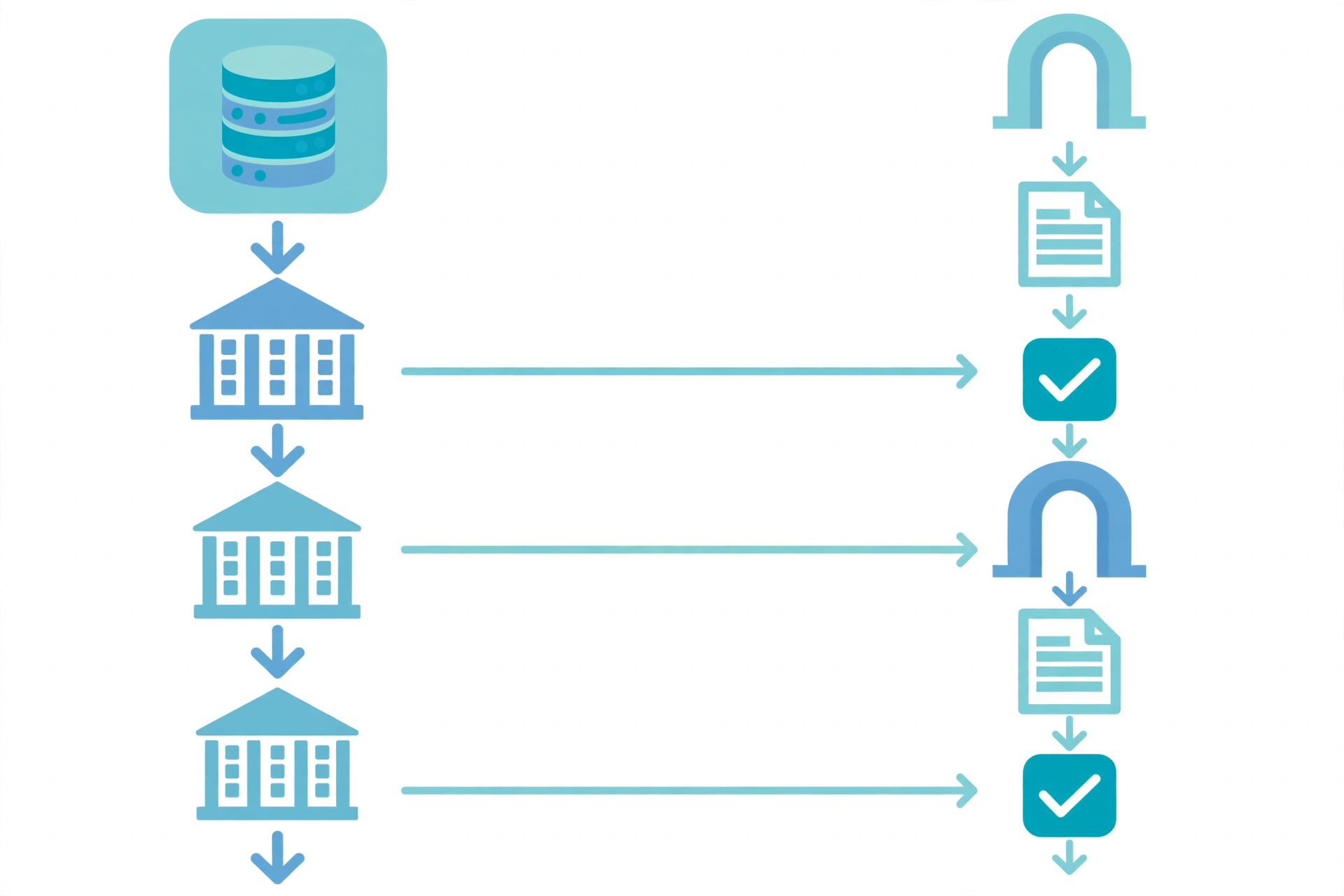
Practical rule: before filing with any payer, confirm its route. A five-minute call to the payer’s provider services line — “Do you pull from CAQH, or do I apply through your portal?” — prevents weeks of silence. File both routes when a payer asks for both, and keep a one-line record per payer: route, date filed, reference or confirmation number, and the name of the person who confirmed receipt. That record is what turns a stalled application into a follow-up with a paper trail.
A payer’s panel is its network of in-network providers for a specialty in a geographic area. An open panel is accepting new providers; a closed panel is not. “Closed” sounds final, and for some providers it is — but it is a capacity decision, not a judgment about your qualifications, and understanding why a panel closes tells you what to do next.
Payers close panels when their network is adequate for the area: they already have enough providers of your specialty within a reasonable distance of their members. Network adequacy is measured by ratios — providers per thousand members, drive time, appointment wait times — and it is reviewed periodically, so a panel that is closed this quarter can reopen next quarter when membership grows or another provider leaves. Panels can also be closed only for a specialty, only for a county, or only for new solo providers while still accepting group additions. “Closed” is therefore a statement about the network, not about you.
What to do when you hit a closed panel depends on the payer. Some accept a reconsideration request — a short letter explaining a specific access need, such as a language, subspecialty, or location gap your practice fills — and a few reopen a closed panel for a provider who meets a documented need. Others maintain a waitlist and notify providers when the panel reopens. And some simply say no until their next adequacy review. There is usually no formal appeal for a closed panel, because there is no adverse decision about your qualifications to appeal; the argument is a business case, not a dispute. Ask the payer three questions: is the panel closed for my specialty in my county, is there a reconsideration or waitlist process, and when is the next adequacy review? Then file the reconsideration if one exists, join the waitlist if there is one, and put the review date on your calendar.
One warning: do not bill a payer’s members as in-network while your panel application is pending or while the panel is closed to you. Until the contract is signed and the effective date has passed, you are out-of-network for that payer, and claims billed as in-network will deny.
For therapists, counselors, psychologists, and other behavioral-health providers, commercial credentialing often runs through a separate door. Many commercial payers carve out behavioral-health benefits to a specialized managed behavioral-health organization — a separate company that manages the behavioral-health network, authorizations, and claims on the payer’s behalf. You may hold a contract with the medical plan and still be unable to see its members for therapy, because the behavioral-health side is a different panel with a different application.
Carve-outs matter for three practical reasons. First, the application goes to the carve-out entity, not the medical plan — filing with the wrong one is a common first mistake. Second, the carve-out may use different systems: some pull from CAQH, others run their own portal, and some require both. Third, the panel’s adequacy rules are separate, so a carve-out panel can be closed for therapists in your county even when the medical panel is open, or open when the medical side is not. When you apply, ask the medical plan directly whether behavioral health is carved out, and if it is, get the carve-out’s name, its provider-services number, and its application route before you file anything.
Therapists should also expect the carve-out to ask for behavioral-health-specific items a medical application may not: your license type and scope, your taxonomy code, and sometimes supervision details for provisionally licensed clinicians. Keep the taxonomy code on your NPI record, your license, and your CAQH profile identical — a mismatch across those three records is one of the fastest ways to have a behavioral-health application returned. Our guide on how therapists get credentialed with insurance walks through the six-step panel process in detail, including the carve-out check.
Ask five providers how long commercial credentialing took and you will get five different answers — 30 days, 90 days, six months. That spread is real, and it is not random: payers differ in how much verification they do themselves, how large their credentialing queue is, and whether your file is clean on arrival. A payer that pulls from CAQH and runs a lean verification process can move a clean file in roughly 60 to 90 days. A payer with its own portal, a committee review step, and a large backlog can take considerably longer — and a file that draws a development request, the payer asking for a missing document or a clarification, restarts the clock on that portion of the review.
| Factor | Faster timeline | Slower timeline |
|---|---|---|
| Application route | CAQH-pulled, profile attested and authorized | Payer portal, with payer-specific forms |
| File completeness | Every document current, names and NPIs matching everywhere | Missing or expired documents, mismatched Tax ID or taxonomy |
| Panel status | Open panel, network needs providers | Closed panel, reconsideration or waitlist |
| Payer queue | Small or regional payer, light backlog | Large national payer, committee review step |
| Follow-up | Receipt confirmed, weekly status checks, fast responses to requests | Filed and forgotten, development requests unanswered for weeks |
Because no payer publishes a binding timeline, plan around ranges, not promises. File applications in parallel rather than one at a time — a payer’s timeline does not pause while you wait on another payer — and start the process three to six months before the provider’s first patient with that plan. Our guide on how long provider credentialing takes puts the payer-by-payer ranges side by side.

Credentialing ends with a contract, and the contract deserves the same care as the application. A signed contract sets your reimbursement, your obligations, and your exit terms — and it is far harder to renegotiate after signing than before. Before you sign, check these points:
You do not need a lawyer for every contract, but for a first contract with a large payer — or any contract with terms you cannot explain in one sentence — a short legal review is cheap insurance.
Put the pieces together and the commercial credentialing project runs in this order. First, build and attest the CAQH profile, and make sure the NPI, license, taxonomy, and Tax ID match across CAQH, NPPES, and the license record. Second, list the payers your patients actually use, in priority order, and confirm each one’s route — CAQH-pulled, portal, or both — and whether behavioral health is carved out. Third, file the applications in parallel, confirming receipt for each one and recording the reference number. Fourth, follow up weekly: confirm the file is complete, answer development requests within days, and track every payer’s effective date separately. Fifth, review each contract before signing, and do not bill until the effective date has passed.
No. Most commercial payers pull from CAQH ProView, but several large and regional payers run their own provider portals and require an application inside their system. Some require both. Confirm the route with each payer before filing.
It means the payer’s network is currently adequate for your specialty in your area — a capacity decision, not a judgment about your qualifications. Ask whether there is a reconsideration process or a waitlist, and when the next network-adequacy review happens.
Many commercial payers carve out behavioral-health benefits to a specialized managed behavioral-health organization that runs its own network, applications, and panel rules. You credential with the carve-out entity, not the medical plan, for therapy services.
There is no fixed timeline. A clean CAQH-pulled application often takes roughly 60 to 90 days; portal applications, closed panels, and files that draw development requests can take considerably longer. Start three to six months before the provider’s first patient with that plan.
No — not as in-network. Until the contract is signed and the effective date has passed, you are out-of-network for that payer, and claims billed as in-network will deny. Hold claims until enrollment is active.
Commercial payer credentialing rewards preparation more than speed: a clean CAQH profile, the right route per payer, parallel filings, weekly follow-up, and a contract read before it is signed. The providers who wait longest are usually the ones who filed in the wrong place, filed once and never followed up, or discovered a closed panel only after months of silence. Start with the payers your patients actually use, confirm each one’s route and panel status first, and keep one dated record per payer from filing to effective date.
If your team does not have the hours to manage applications, portal filings, carve-out checks, and payer follow-up for every provider, that is exactly what a credentialing team handles — including the contract review points above. Contact UMB and Coding for a free practice audit, or call 201-942-0949.

Leave a comment